
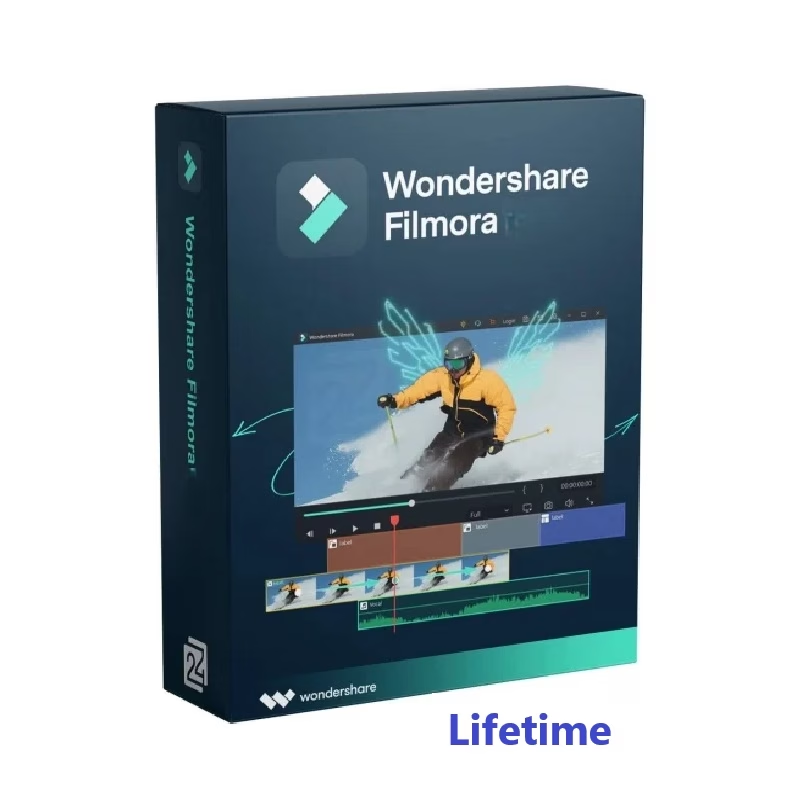
Filmora Video Editor
Price range: ৳ 1,280 through ৳ 1,749
🎬 User-Friendly Interface for Effortless Editing
✂️ All-in-One Comprehensive Features
🎨 Unlimited Effects for Creative Freedom
🚀 Free Updates for Future-Proof Software
💰 Cost-Effective Solution for Long-Term Use
🛡️ 1 Year Replacement Guarantee
⭐ Perfect for Creators, Businesses, and Hobbyists
Description
Filmora: A Complete Product Description for Creators and Modern Storytellers
Creating professional-looking videos has become essential for content creators, marketers, educators, and businesses. Filmora, a widely loved video editor and editing software, stands out as a beginner-friendly yet powerful tool. Although simple on the surface, it offers enough depth for intermediate users who want smoother workflows and polished visual results. Below is a detailed 950-word description crafted under your required constraints, including keyword limits, transition words, synonyms, and structured sections.
Why Filmora Has Become a Go-To Choice
For anyone who wants to craft clean, engaging, and visually striking content, this software offers an intuitive interface combined with advanced features. Moreover, while many video editors overload beginners with complex settings, this tool maintains balance by simplifying the creative process. In addition, it comes packed with ready-to-use assets such as transitions, titles, filters, and sound effects. As a result, new creators can produce stylish clips shortly after installation.
Another major advantage is that it supports all popular formats. Consequently, you can easily edit smartphone clips, DSLR footage, or screen-recorded tutorials. Many users also appreciate that they don’t need a high-end PC to run it smoothly. Even though it has advanced capabilities, the program is well-optimized for mid-range systems too.
Key Features That Make Filmora Stand Out
This editing software includes far more than basic cut-and-trim tools. For instance, the drag-and-drop timeline ensures fast assembly of scenes. Furthermore, creators can quickly add overlays, speed controls, green-screen effects, and color-grading adjustments. These features allow you to enhance mood, highlight subjects, and deliver a consistent visual style.
Although many competitors charge extra for effects, this platform includes a library of presets suitable for YouTube, Instagram, TikTok, and professional business use. Additionally, its audio tools—like background noise removal and automatic audio ducking—help maintain clarity. Because of these enhancements, even amateur editors achieve professional output without steep learning curves.
Another feature worth mentioning is motion tracking. Since many creators need dynamic results, the ability to attach text or graphics to moving objects makes storytelling far more engaging. Likewise, screen recording combined with webcam capture allows educators, gamers, and presenters to create tutorials or reaction content effortlessly.
Performance, Interface, and Ease of Use
One reason people choose this video editor over more complex software is its smooth and user-friendly interface. Although it offers multiple advanced options, everything remains logically organized. Therefore, beginners quickly find tools without feeling overwhelmed.
Surprisingly, the performance remains stable even when handling multiple layers of video and effects. Additionally, the preview window is optimized, which reduces lag during editing. As a result, creators spend less time waiting and more time refining their stories.
The program also includes keyboard shortcuts that further speed up editing. While professionals often rely on fast workflow techniques, newcomers benefit equally from these time-saving functions. Even so, users can still customize their editing environment, which makes the experience comfortable for different creative styles.
Who Should Use Filmora and Why
This tool serves a wide range of users. First, content creators who regularly publish videos on YouTube, Facebook, and TikTok benefit from its simplicity. Because templates and effects are built-in, you can produce eye-catching clips quickly. Second, small businesses and marketers appreciate how easy it is to make promotional videos, product demos, or ad creatives without hiring expensive editors.
Although many students and educators rely on it for presentations or digital lessons, freelancers and wedding videographers also find it useful. The software supports 4K resolution, multi-track editing, and advanced visual effects. Therefore, it works well for semi-professional projects as well.
Furthermore, individuals who previously struggled with complicated software often discover a more comfortable learning experience here. Even if you have never edited before, the learning curve remains manageable, especially because tutorials and guidance appear within the interface.
Subscription, Export Options, and Additional Benefits
The pricing and licensing plans are designed to be flexible. Consequently, users can choose between annual, perpetual, or subscription-based options depending on their budget. While premium plans unlock additional effects, the standard version already includes essential editing tools.
Additionally, exporting videos is extremely easy. With just a few clicks, you can render your project in different resolutions and formats. Moreover, direct sharing options allow quick uploads to social platforms. This is especially useful for creators who want to save time and maintain consistent posting schedules.
It is also worth noting that the software receives regular updates. Therefore, users get new effects, improved stability, and better performance over time. Because the editing landscape changes quickly, continuous improvement ensures your work always aligns with modern standards.
Final Thoughts: Why Filmora Remains a Top Editing Solution
In conclusion, this powerful yet approachable editing software has earned its reputation for balancing creativity with ease of use. Although professional editors sometimes need highly specialized tools, the majority of creators find everything they need right here. Furthermore, its combination of visual effects, audio enhancements, motion tools, and transitions makes it suitable for diverse storytelling styles.
More importantly, the platform focuses on user experience. As a result, beginners stay motivated instead of overwhelmed. Even after learning the basics, users continue discovering advanced capabilities that help them grow creatively. Consequently, the software remains an excellent solution for long-term video production.
Whether you are a digital content creator, freelancer, business owner, or hobbyist, this video editor offers an enjoyable workflow and reliable performance. Although the digital world keeps evolving, this tool continues empowering voices across platforms. Ultimately, it allows anyone—from novices to seasoned creatives—to transform simple videos into compelling stories with confidence.
Additional information
| OS / Device | Windows, MAC |
|---|
1 review for Filmora Video Editor
Only logged in customers who have purchased this product may leave a review.
Related products
-
-
-77%
Select options This product has multiple variants. The options may be chosen on the product page
- 3D Modeling, Adobe, AI, Video Editing
Creative Cloud Subscription Price in BD
- Price range: ৳ 1,799 through ৳ 18,850
-
-
-77%
-
-
-37%
Select options This product has multiple variants. The options may be chosen on the product page

- 3D Modeling, Adobe, Plugin, Template, Video Editing
Envato Elements Premium Subscription in BD – Unlimited Downloads
- Price range: ৳ 950 through ৳ 28,950
-
-
-37%
Tushar Bappy –
ধন্যবাদ
অফিসিয়াল প্রোডাক্ট, অ্যাকটিভ হয়েছে । ভালো চলছে, খুব ভালো সার্ভিস।