
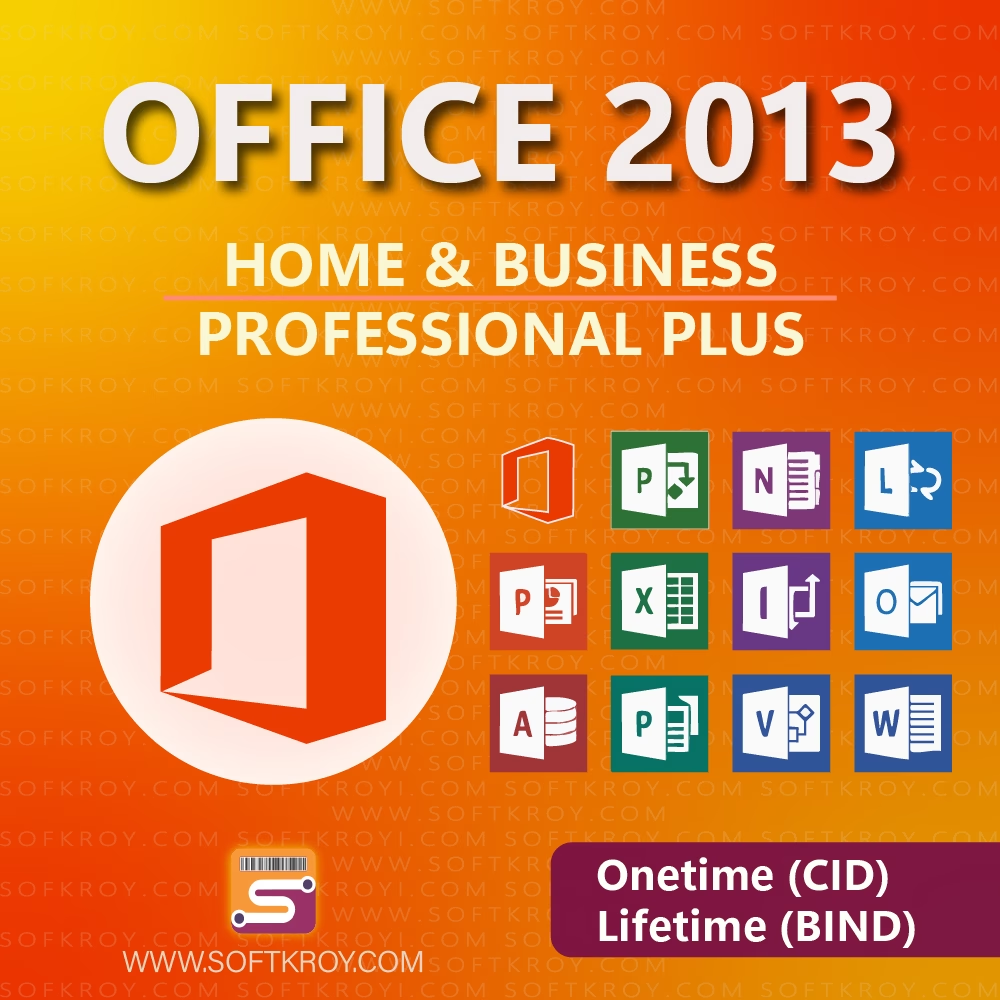
Office 2013
Price range: ৳ 499 through ৳ 7,500
🎯 Super-fast and smooth performance
📁 Perfect for office, school, and business work
☁️ OneDrive cloud-ready productivity tools
📊 Powerful Excel and reporting features
🖥️ Lightweight and ideal for low-spec PCs
📝 Clean interface with pro-grade editing tools
Description
Office 2013 – The Perfect Productivity Suite for Modern Workflows
Office 2013 Features That Transform Productivity
Office 2013 is designed to streamline the way individuals and businesses work, offering a balanced mix of innovation and familiarity. Although newer suites exist today, this version remains popular because it combines speed, simplicity, and powerful tools. It improves workflow efficiency while maintaining compatibility across multiple devices. Moreover, users appreciate how smoothly it integrates with cloud services, allowing teams to collaborate in real time. Since it supports both personal and corporate work environments, many still consider this suite a cost-effective and reliable solution.
Packed with essential applications such as Word, Excel, PowerPoint, and Outlook, it ensures that daily tasks are easier, faster, and more organized. Furthermore, its redesigned interface provides a clean, modern look, which helps users stay focused. As a result, businesses that want stable and professional tools often choose this version because of its dependable performance.
Why Office 2013 Still Matters for Businesses and Students
Office 2013 continues to deliver long-term value for students, professionals, freelancers, and organizations alike. Even though technology evolves rapidly, this suite remains widely used due to its compatibility and lightweight system requirements. Additionally, it offers dependable offline functionality—something many users still prefer—while also enabling cloud connectivity for those who need remote access.
Because the suite includes advanced spreadsheet tools, dynamic presentation features, and accurate email management, it significantly boosts productivity. Students benefit from structured document formatting and research tools, whereas professionals rely on its ability to handle large datasets with ease. Beyond that, organizations appreciate the stability it brings to their digital ecosystem, ensuring minimal downtime and effortless user training.
Moreover, its intuitive UI lowers the learning curve for beginners. Even users transitioning from older versions find the environment familiar but noticeably improved. With enhanced templates, improved collaboration features, and faster processing, this edition remains relevant for thousands of users in Bangladesh and beyond.
Office 2013 Cloud Integration and Performance Advantages
Office 2013 offers stronger cloud integration compared to its predecessors, enabling easy access to OneDrive and SharePoint. Because of this, teams can co-edit documents, track revisions, and store files securely. Although later versions add more automation, this edition strikes the perfect balance between simplicity and performance.
Its applications run efficiently even on low-spec systems, allowing users to complete tasks smoothly. Meanwhile, the suite ensures compatibility with many file formats, making sharing straightforward. Due to these advantages, it remains a popular choice for workplaces that want reliable tools without demanding hardware upgrades.
Additionally, the suite introduces improved security controls, reducing risks during data exchange. These enhancements help companies maintain professional standards while working on sensitive materials. Even personal users benefit from these protections, especially when dealing with financial or academic files.
User-Friendly Design and Enhanced Tools in Office 2013
Office 2013 stands out due to its clutter-free interface. The flat-style design reduces distractions, while the ribbon menu makes every command easy to locate. Beyond aesthetic upgrades, its tools are more responsive, ensuring that tasks such as editing documents, analyzing spreadsheets, or building presentations feel smoother.
Microsoft Word received improved reading modes that make reviewing long content more comfortable. Excel gained better charting tools, simple data filters, and more accurate functions. PowerPoint, meanwhile, offers cinematic transitions, widescreen templates, and improved presenter tools. Together, these features help deliver high-quality work in less time.
Furthermore, Outlook received performance improvements that allow faster email synchronization and easier account management. With cleaner navigation, users can shift between calendars, messages, and tasks effortlessly. Since communication remains essential for both businesses and students, these upgrades significantly enhance workflow speed.
Additional information
| Product Type | Home & Business, Professional Plus |
|---|---|
| Validation | Lifetime – Never Expire, Lifetime Activation till Uninstall |
Only logged in customers who have purchased this product may leave a review.
Related products
-
-
-97%
Select options This product has multiple variants. The options may be chosen on the product page

- Lifetime, Microsoft, Windows Server
Windows Server 2022
- Price range: ৳ 1,350 through ৳ 1,455
-
-
-97%
-
-
-93%
Select options This product has multiple variants. The options may be chosen on the product page
- Lifetime, Microsoft, Windows
Windows 11 Pro
- Price range: ৳ 1,299 through ৳ 11,200
-
-
-93%
-
-
-71%
Select options This product has multiple variants. The options may be chosen on the product page

- Home & Business, Lifetime, Professional Plus
Office 2021
- Price range: ৳ 499 through ৳ 14,500
-
-
-71%
-
-
-83%
Add to cart

- Lifetime, Microsoft, Windows
Windows 11 Enterprise
- Original price was: ৳ 8,975.৳ 1,499Current price is: ৳ 1,499.
-
-
-83%
-
-
-89%
Select options This product has multiple variants. The options may be chosen on the product page
- Home & Business, Lifetime, MS Office, Professional Plus
Office 2016
- Price range: ৳ 499 through ৳ 10,120
-
-
-89%
-
-
-90%
Select options This product has multiple variants. The options may be chosen on the product page

- Lifetime, Microsoft, MixedUp, Windows
Windows 10 Home
- Price range: ৳ 499 through ৳ 599
-
-
-90%
-
-
-86%
Select options This product has multiple variants. The options may be chosen on the product page

- Home & Business, Lifetime, MixedUp, MS Office, Professional Plus
Office 2010
- Price range: ৳ 499 through ৳ 7,500
-
-
-86%
-
-
-94%
Select options This product has multiple variants. The options may be chosen on the product page

- Lifetime, Microsoft, Office 365
Office 365
- Price range: ৳ 799 through ৳ 12,999
-
-
-94%
-
-
-38%
Select options This product has multiple variants. The options may be chosen on the product page
- IDM, Lifetime
IDM Lifetime – Internet Download Manager
- Price range: ৳ 1,299 through ৳ 1,990
-
-
-38%
-
-
-91%
Select options This product has multiple variants. The options may be chosen on the product page
- Lifetime, Microsoft, Windows
Windows 10 Pro
- Price range: ৳ 999 through ৳ 1,050
-
-
-91%
-
-
-89%
Select options This product has multiple variants. The options may be chosen on the product page
- Home & Business, Lifetime, Professional Plus
Office 2019
- Price range: ৳ 499 through ৳ 20,200
-
-
-89%
Reviews
There are no reviews yet.